
Most founders and creators don't have a hook problem. They have an edit problem. You can nail the first three seconds and still lose the viewer at second seven because the cuts drag, the captions lag, or the pacing never resets attention. Short form video editing is the difference between content that gets skipped and content that gets watched to the end, saved, and shared.
If you're searching for video editing short form techniques that actually move the needle, the answer isn't a fancier app or a trendier transition. It's a repeatable workflow: cut on intent, not just on silence, layer sound design that reinforces the message, and structure pacing around retention drop-off points, not personal taste.
This guide walks through exactly that. We'll cover the editing decisions that separate viral clips from forgettable ones, the tools worth your time, and how short-form content video editing fits into a bigger system rather than a one-off task. At SocialRevver, we run this process daily across hundreds of client videos, and what follows is the same framework our editing pipeline uses to turn raw footage into an asset that actually drives leads.
What you need before you start editing
Good editing can't fix bad inputs. Before you touch a timeline, you need three things locked down: footage that gives you options, software that matches your workflow speed, and a file system that keeps hundreds of clips from turning into chaos. Skip any one of these and short form video editing turns into a slog where you spend more time hunting for files than actually cutting the story together. This is the prep work that separates editors who ship five videos a week from those stuck re-shooting because they didn't capture what they needed.
Footage that gives you options
Raw footage should give you room to cut, not force you into a single sequence. Shoot every important line at least twice, from a slightly different angle or energy level, so you have a backup take when the first one falls flat mid-cut. Multiple camera angles, even a simple phone-on-a-tripod second angle, let you break up talking-head monotony without adding a single graphic.
- Record in 4K even if you're exporting in 1080p, so you can punch in without losing quality
- Capture 10 to 15 seconds of extra footage before and after each take for clean trims
- Get a dedicated audio source (lav mic or shotgun mic), since phone audio rarely survives platform compression
- Shoot vertical and horizontal versions of key moments when repurposing across platforms
The best edit in the world can't save footage that never gave you a choice.
Software built for speed, not just editing
Your tool needs to match how fast you're expected to turn videos around, not just what looks impressive in a demo. For video editing short form content at volume, speed features like auto-transcription, template reuse, and batch export matter more than a deep effects library you'll never open.
| Feature | Why it matters for short-form |
|---|---|
| Auto-captioning | Cuts caption time from minutes to seconds per video |
| Template/preset saving | Keeps brand look consistent across dozens of clips |
| Multi-track audio | Lets you layer voiceover, music, and sound effects separately |
| Fast proxy editing | Keeps timelines responsive with 4K source files |
A file system that doesn't slow you down
Organize projects before you're buried in them. A simple folder structure per video, raw footage, project file, exports, and a naming convention with date and topic saves you from scrubbing through a messy media bin every single edit. This groundwork is what makes short-form content video editing feel systematic instead of chaotic once you're actually cutting.
Step 1. Plan your cut around a strong hook
Before you drag a single clip onto the timeline, decide what the first frame promises the viewer. The edit's job is to deliver on that promise fast, then keep re-earning attention every few seconds. Short form video editing starts with a decision, not a technique: what's the one line, image, or contradiction that stops the scroll, and which take actually delivers it with energy?
Find the hook in your raw footage first
Scrub through every take before you start cutting and mark the strongest opening line, even if it happens three minutes into the raw file. Editors who cut chronologically waste the best moment burying it under context nobody asked for. Pull that line to frame one, then build backward only if the setup earns its place.
If viewers don't know why they should keep watching by second two, no amount of editing later fixes it.
Structure the first three cuts around curiosity
Once you have the hook line, plan the next two cuts to open a loop rather than answer it. This is where video editing short form work differs from long-form storytelling: you're not building toward a payoff at minute ten, you're stacking small reasons to stay every three to five seconds.
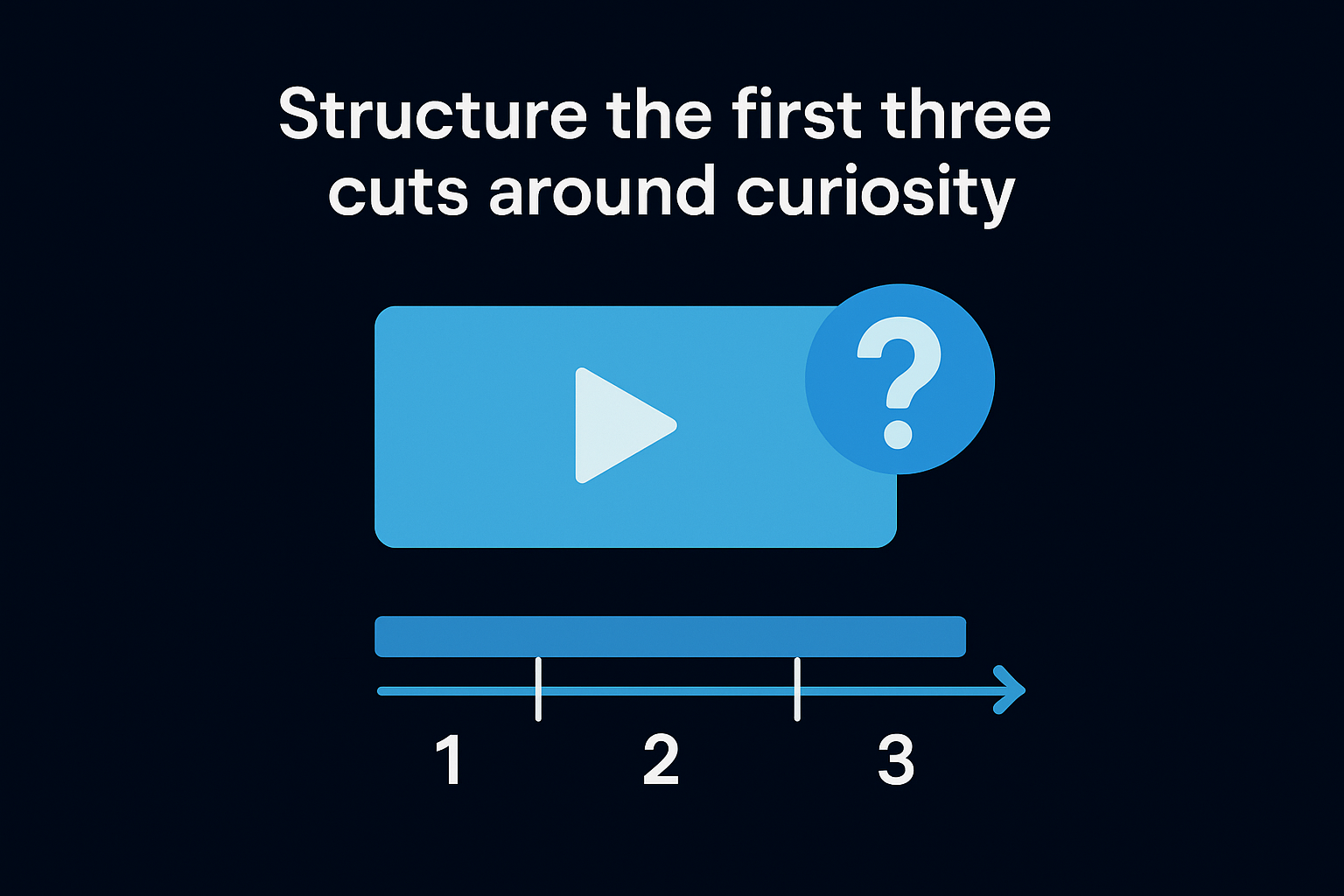
- Cut 1: the hook statement, isolated with zero preamble
- Cut 2: a visual or line that raises a question (a number, a before/after, a reaction shot)
- Cut 3: the first piece of proof or payoff, delivered before attention fully resets
Treat these three cuts as a checklist before you move to broader pacing work. Get this sequence wrong and every later editing decision is just polishing a video nobody stays for.
Step 2. Cut for pace and retention
Once the hook lands, the edit's next job is keeping momentum without letting any single shot overstay its welcome. Short form video editing at this stage is less about individual clips and more about rhythm, the pattern of cuts that keeps a viewer's thumb off the scroll bar. Most drop-off happens not because the content got boring, but because the pacing flatlined for three or four seconds too long.
Cut on energy, not just silence
Standard silence-based cutting removes dead air but ignores energy dips, the moments where a speaker's tone flattens even while still talking. Watch the waveform and the face, not just the transcript, and cut the instant enthusiasm drops, even mid-sentence if needed. This is where video editing short form content separates from podcast-style editing, where a slower cadence is tolerated because the format itself invites patience.
Pace isn't about speed, it's about never letting attention sit still long enough to wander.
Watch for the retention cliff points
Most platforms show you a retention graph after publishing, and those graphs almost always reveal specific timestamps where viewers bail, usually around the 3, 7, and 15 second marks. Build your cut rhythm around beating those cliffs before they happen:
- Introduce a new visual, angle, or graphic every 2 to 4 seconds during setup sections
- Shorten pauses between sentences to under half a second unless the pause itself is the punchline
- Insert a pattern interrupt (zoom, sound cue, or cutaway) right before the 7-second mark
- Re-check pacing against your platform's actual retention data, not assumptions, every few uploads
Treat these cliffs as checkpoints, not guesses. Short-form content video editing improves fastest when you're editing against real drop-off data instead of gut feel.
Step 3. Layer captions, sound, and visual polish
Once the pacing holds, the edit still needs polish that keeps sound off and sound on viewers equally locked in. Most people scroll with audio muted, so short form video editing without captions is leaving half your audience behind before they ever hear a word. This step is where a rough cut becomes something that feels finished, branded, and worth sharing.
Captions that read fast and match energy
Captions should mirror the pacing you already built, not slow it down with long blocks of text sitting on screen too long. Break lines at natural pauses, bold or highlight the word that carries the emphasis, and time each caption to disappear right as the next thought starts. Auto-caption tools get you 90 percent there, but always proof for names, numbers, and platform-specific slang the software garbles.
Sound design that reinforces, not distracts
A well-placed sound effect on a cut or reveal does more for retention than most people expect, because it gives the brain a cue that something changed. Layer three tracks: dialogue, a low background music bed under 20 percent volume, and light sound effects on hard cuts or punchlines.
A caption tells the eye what matters. A sound cue tells the brain to pay attention right now.
Visual polish that signals professionalism
Branded visuals, consistent fonts, and a recognizable color treatment do more for authority than any single effect. Keep these consistent across every video:
- Lower-third or logo watermark in the same corner every time
- One font family and two colors max for all text overlays
- Consistent zoom/punch-in style rather than random transition effects
- B-roll or graphics that match your brand's visual language, not stock footage that feels generic
This is where video editing short form content stops looking like a hobbyist clip and starts looking like a system built to convert.
Step 4. Export and optimize for each platform
Exporting isn't just clicking "render." A great edit can still underperform if the file specs, aspect ratio, or bitrate don't match what the platform expects. Short form video editing ends with a technical checklist, not a guess, because TikTok, Reels, and Shorts each compress and prioritize video differently.
Match specs to the platform, not a universal default
Exporting one file and dragging it everywhere is the fastest way to lose quality on at least one platform. Use platform-specific settings whenever your software allows it.
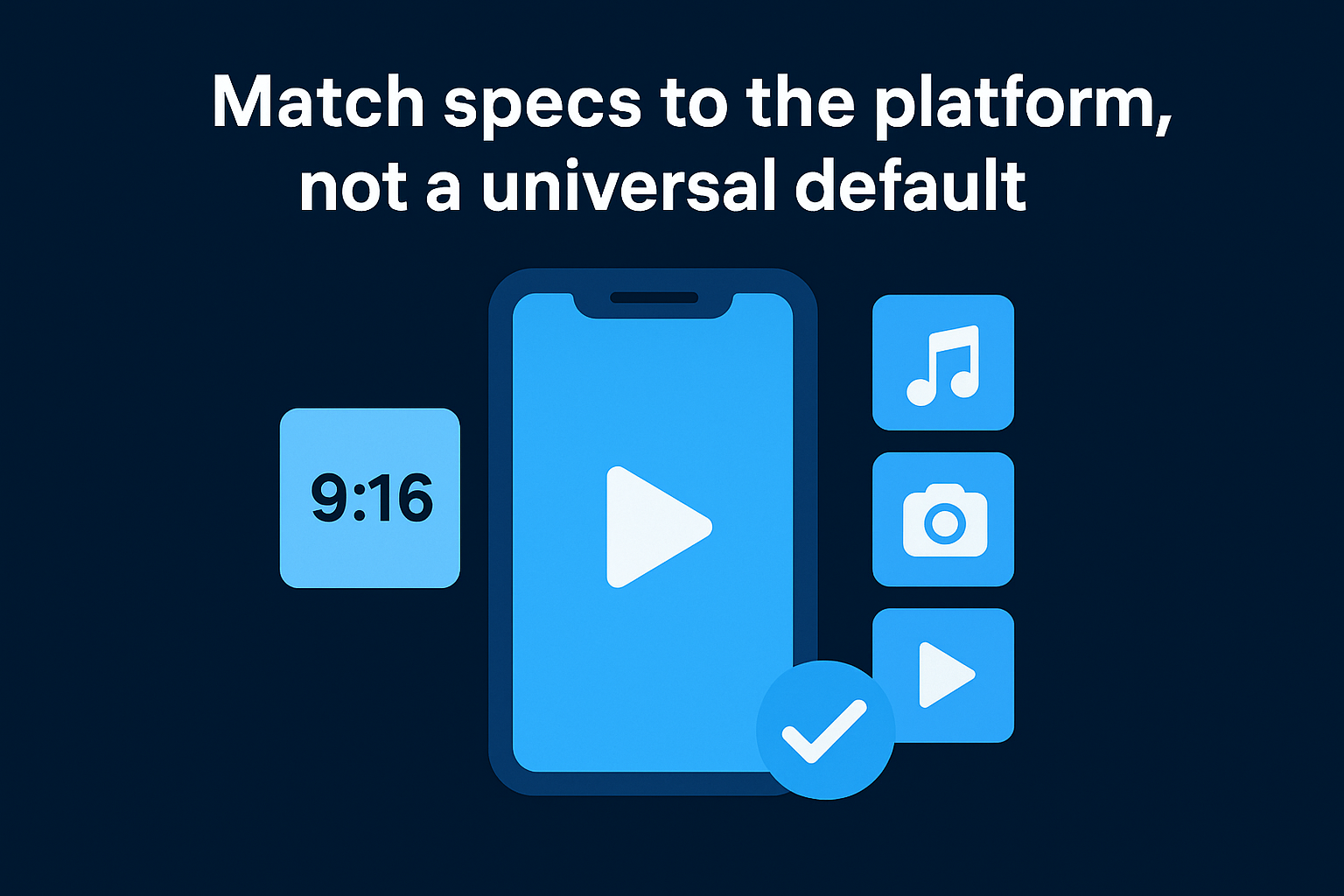
| Platform | Aspect Ratio | Recommended Resolution | Max File Size Consideration |
|---|---|---|---|
| TikTok | 9:16 | 1080x1920 | Under 287MB for smoother upload |
| Instagram Reels | 9:16 | 1080x1920 | Keep under 4GB, but smaller uploads faster |
| YouTube Shorts | 9:16 | 1080x1920 | Supports higher bitrate, use it |
If the platform re-compresses your file harder than it needs to, the export settings failed before the content even had a chance.
Optimize the details that affect discovery
Beyond resolution, a few small choices affect how well the platform actually pushes your video. Add a text overlay in the first frame for silent scrollers, since the thumbnail often gets pulled from frame one. Write captions and hashtags specific to the platform's search behavior rather than copying the same caption everywhere. Video editing short form content for one platform and reposting without adjustment is one of the most common reasons identical videos perform wildly differently across accounts.
Confirm playback before you publish
Always preview the exported file on an actual phone, not just your editing software's playback window. Compression artifacts, caption cutoffs near safe zones, and audio sync issues show up on mobile screens that never appear on a desktop monitor.
Turning better edits into consistent results
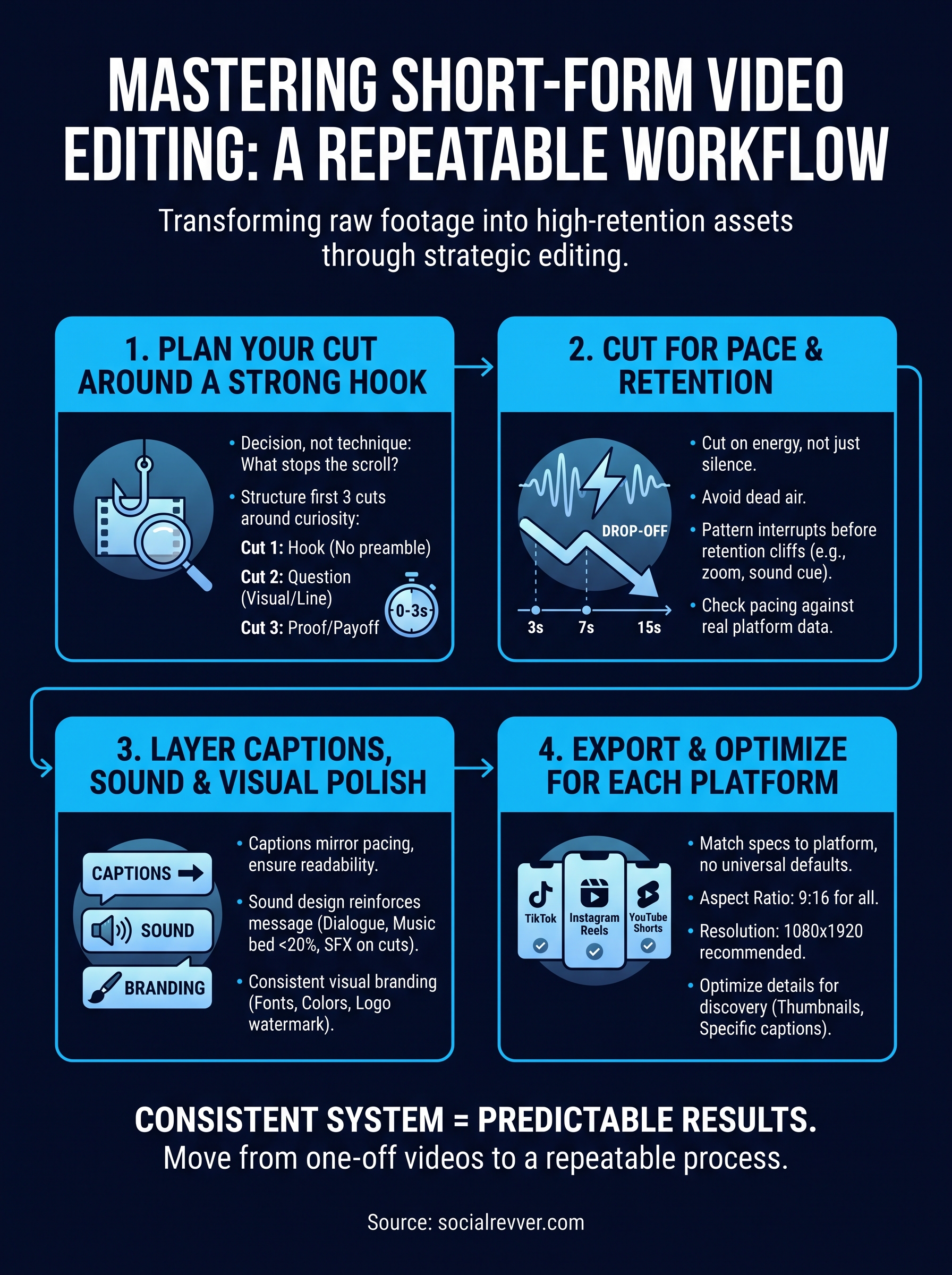
Every step in this workflow, the hook framing, the pacing checkpoints, the caption timing, the export specs, compounds. Skip one and the whole edit feels slightly off, even if you can't point to why. Nail all four consistently and short form video editing stops being a creative gamble and starts behaving like a system with predictable output.
That's the real shift founders and creators need: moving from one good video to a repeatable process that produces good videos on schedule. Manually running this checklist across dozens of clips a month is exactly where most teams burn out or quietly drop the cadence that was actually working.
If you'd rather hand this system to people who run it daily across hundreds of client videos, get your free 40+ slide social media strategy and see what a managed version of this process looks like for your brand.