
You already know a bad cut kills a video in the first three seconds. What you might not know is why some clips hold attention for a full minute while others bleed viewers by second five, even when the footage and message are basically the same. That gap almost always comes down to editing decisions, not luck. Video editing for social media isn't the same skill as editing a YouTube essay or a wedding film. Different rules, different pacing, different goals.
If you're searching for ways to fix that drop-off, here's the direct answer: the platforms reward specific, repeatable editing choices, not creative instinct alone. Cut timing, caption placement, sound design, and hook structure all follow patterns you can study and copy. Once you know what those patterns are, editing video for social media stops feeling like guesswork.
This article breaks down six tactics we use daily when running content systems for founders and brands who need consistent results, not one-off viral hits. We built these methods by analyzing hundreds of thousands of high-performing videos at SocialRevver, so you're getting tested techniques, not opinions. Apply them to your next edit and watch retention change.
1. Outsource editing to a managed content system
Editing is where most founders and business owners quit. You film good footage, then it sits in a folder for three weeks because nobody has time to cut it. A managed content system solves that bottleneck by treating editing as infrastructure, not a task you squeeze in between meetings. Instead of hiring one freelance editor and hoping their taste matches your brand, you plug into a workflow built on data from hundreds of thousands of videos, where every cut, caption, and pacing choice is informed by what already performs.
Why it works
Manual editing scales poorly because quality depends on whoever's available that week. A content system removes that variance. When editing follows a repeatable pipeline instead of individual instinct, output stays consistent even as volume increases. This matters most for founders and business owners who need predictable posting cadence to build authority, not sporadic bursts of quality followed by silence.
A predictable content system beats a talented editor having a good week.
How to apply it
Start by auditing where your current process breaks down. Is it scripting, filming, editing, or posting that stalls?
- Identify the single stage that delays your content most often.
- Decide whether that stage needs a tool, a freelancer, or a full managed pipeline.
- Set a fixed weekly output target and work backward from it.
- Review performance data monthly, not just gut feeling, to adjust the system.
Once you know the bottleneck, you can decide whether a single hire fixes it or whether you need a system that handles strategy, scripting, editing, and distribution together.
Tools that help
Project management tools like Trello or Asana can organize a DIY pipeline, but they don't fix inconsistent editing quality on their own. That's the gap SocialRevver's Attention Engine™ was built to close: strategy intelligence, a scripting engine, and an AI-supported editing pipeline working as one system rather than disconnected freelancers. If you're editing video for social media without a repeatable process, that's usually the first thing worth fixing before touching a single clip.
2. Hook viewers in the first three seconds
Scrolling is the default state on every platform now. Your video competes against a thumb that's already moving, so the opening frame decides whether someone stops or keeps scrolling past. A weak intro, a slow logo animation, or a throat-clearing sentence like "hey guys, so today" costs you the viewer before your message even starts.
Why it works
Algorithms track watch time and drop-off rate as core ranking signals, and both get decided in the first few seconds. A strong hook structure signals to the platform that people are staying, which pushes your video to more feeds. Skip this step and everything downstream, captions, pacing, sound design, works twice as hard for half the reach.
If the first three seconds don't earn attention, nothing after them matters.
How to apply it
- Open mid-action or mid-sentence, never with a slow build.
- Lead with the payoff or a specific claim, not a setup.
- Use a visual jump cut or on-screen text within the first second.
- Test three different hooks per script before picking a winner.
Tools that help
CapCut and Premiere Rush both let you trim openings fast, but knowing which hook pattern actually retains viewers requires data. SocialRevver's scripting engine pulls proven hook structures from its performance database, so you're not guessing which opening line to cut.
3. Edit for vertical, platform-native formats
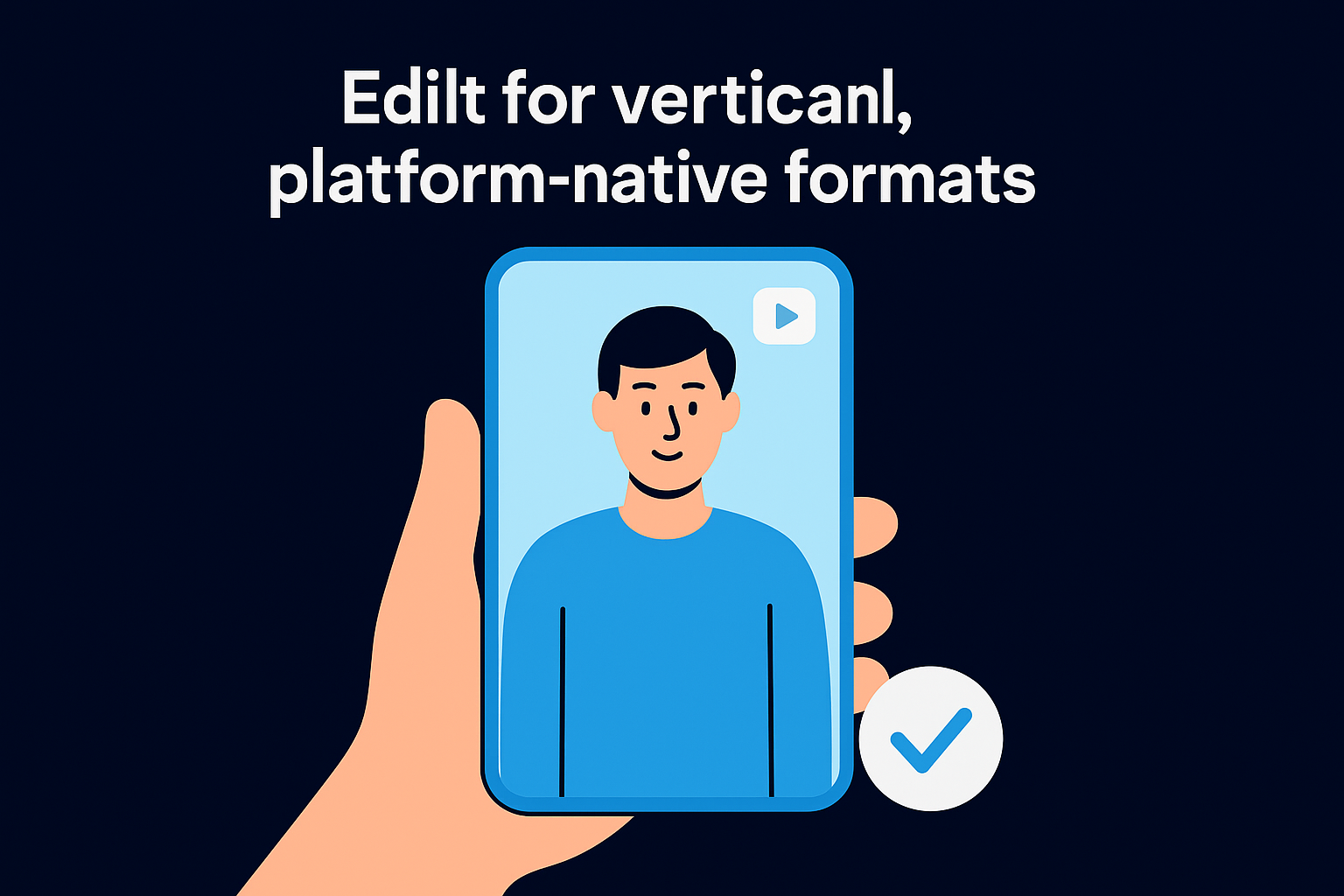
A video shot horizontally and squeezed into a vertical feed looks amateur before anyone reads a single word. Platform-native formats mean editing for the 9:16 frame from the first cut, not cropping a widescreen file after the fact. Instagram Reels, TikTok, and YouTube Shorts all reward content that fills the screen edge to edge, and viewers notice the difference even if they can't name it.
Why it works
Cropped horizontal footage wastes screen space and often cuts off faces, text, or key action. Native vertical editing keeps the subject centered and readable on a phone held one-handed. Full-screen framing also signals professionalism, which matters for founders and brands building authority rather than posting whatever fits.
Footage that fills the frame keeps attention that footage with black bars loses instantly.
How to apply it
- Shoot vertical whenever possible, or reframe during editing with intentional crops.
- Keep key subjects centered, since platforms often overlay UI elements near the edges.
- Avoid letterboxing; black bars read as low effort.
- Design graphics and captions specifically for a 9:16 canvas, not a resized 16:9 template.
Tools that help
CapCut and Adobe Premiere Pro both offer vertical reframing tools with auto-tracking for subjects. SocialRevver's editing pipeline builds every export natively in platform-correct dimensions, so nothing gets stretched, cropped, or misaligned after the fact.
4. Cut ruthlessly to keep pacing tight
Dead air kills more videos than bad footage does. A pause while someone gathers their thought, a lingering shot after the point's already made, a slow zoom that adds nothing: each one gives the viewer permission to leave. Tight pacing means every clip earns its place on the timeline, and anything that doesn't move the message forward gets cut, even if it's a great shot.
Why it works
Platforms measure how long people stay, and slack pacing bleeds viewers second by second. Ruthless cutting keeps the attention curve climbing instead of flatlining. Founders and brands trying to build authority can't afford a video that feels sluggish next to competitors editing at platform speed.
A video with no wasted seconds outperforms one with a perfect shot buried in a slow scene.
How to apply it
- Cut every pause longer than half a second unless it's building deliberate tension.
- Remove filler words like "um" and "so basically" during the edit, not after.
- Change the visual every two to three seconds with a cut, zoom, or overlay.
- Watch your rough cut at 1.5x speed; if it still holds up, the pacing works.
Tools that help
Descript speeds up filler-word removal with text-based editing, and CapCut's speed ramping tightens transitions fast. SocialRevver's editing pipeline applies cut optimization as a default step, so pacing decisions come from performance data instead of an editor's personal rhythm.
5. Add captions, text, and sound design
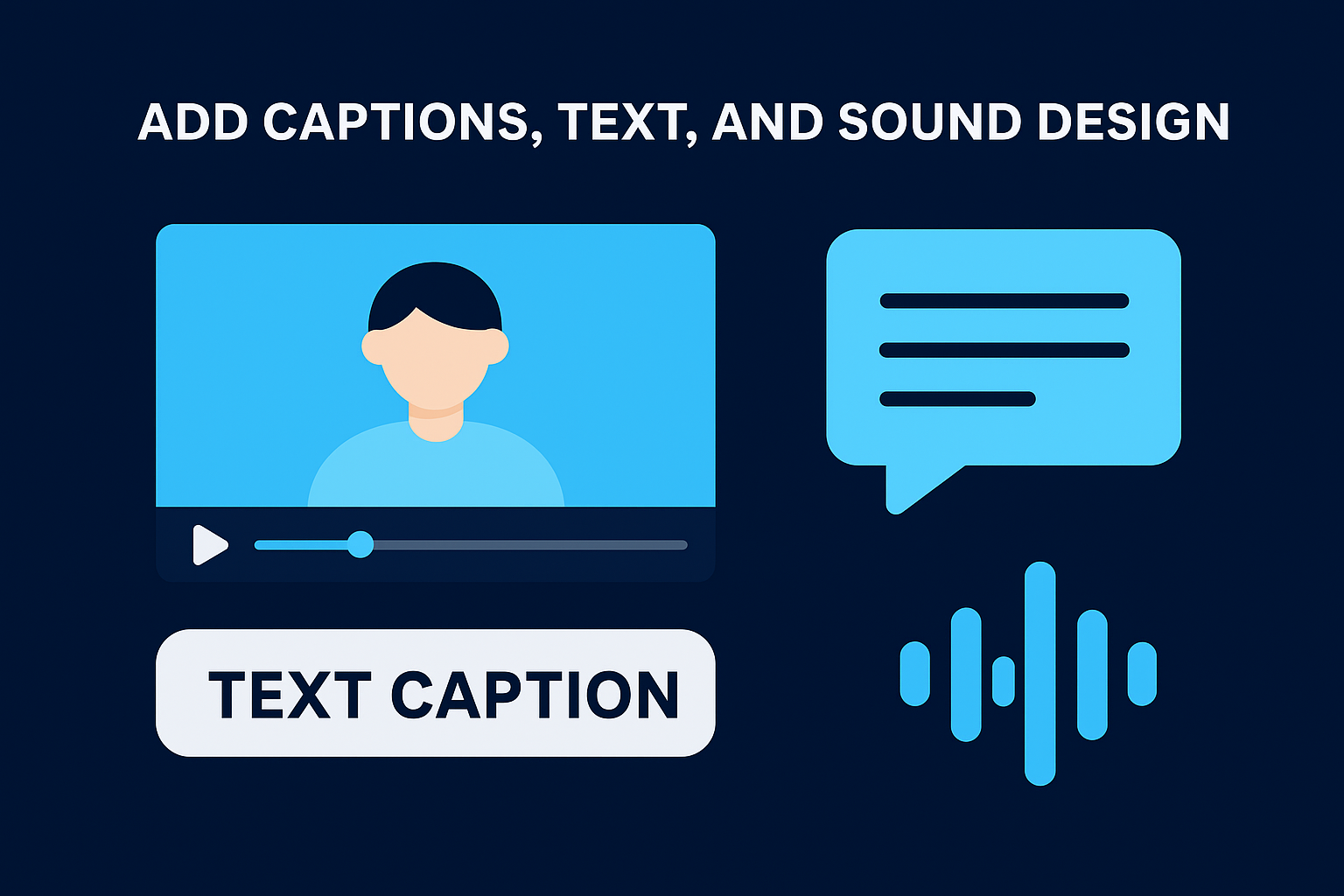
Most people scroll social media with the sound off, especially at work or in public. Captions and text overlays aren't a nice-to-add extra anymore, they're the difference between a video someone understands and one they skip. Pair that with layered sound design, a subtle whoosh on a cut, a bass hit on a punchline, and the video feels produced instead of thrown together.
Why it works
Silent scrolling means your message has to land visually first. Captions keep viewers reading and watching even without audio, which directly raises watch time. Sound design adds texture that makes cuts feel intentional rather than jarring, reinforcing the pacing work you already did in the edit.
A video that works with the sound off is a video built to survive the scroll.
How to apply it
- Burn in captions styled to match your brand, not the platform's generic auto-caption font.
- Emphasize key words with size, color, or motion instead of static text.
- Layer in subtle sound effects on transitions, not just background music.
- Mix audio so voice sits above music, never competing with it.
Tools that help
CapCut and Descript both auto-generate captions you can restyle quickly. SocialRevver's editing pipeline builds branded captions and sound design into every video by default, so this step never gets skipped when deadlines get tight.
6. Polish with color grading and consistent branding
A video that looks slightly off, flat colors, mismatched skin tones, inconsistent brightness between clips, reads as unfinished even when the message is solid. Color grading fixes that by unifying every shot so the final cut feels like one cohesive piece instead of stitched-together clips. Pair that with consistent branding, the same fonts, colors, and logo placement across every video, and viewers start recognizing your content before they even read the caption.
Why it works
Viewers build trust through repetition. When your videos share a visual signature, people associate that look with your brand the same way they'd recognize a familiar logo in a feed full of strangers. This matters most for founders and business owners trying to build category authority, since a polished, consistent look signals credibility faster than any claim in the script.
Consistent color and branding make a scroll-stopping video into a recognizable one.
How to apply it
- Build a simple LUT or color preset and apply it to every export.
- Lock in brand fonts, colors, and caption styles across all platforms.
- Keep logo placement identical in every video, not repositioned per edit.
- Review a month of posts side by side to check for visual drift.
Tools that help
DaVinci Resolve offers free, precise color grading tools built for exactly this. SocialRevver's editing pipeline applies branded visuals and color presets automatically, keeping every deliverable on-brand without manual review each time.
Putting these tips into practice
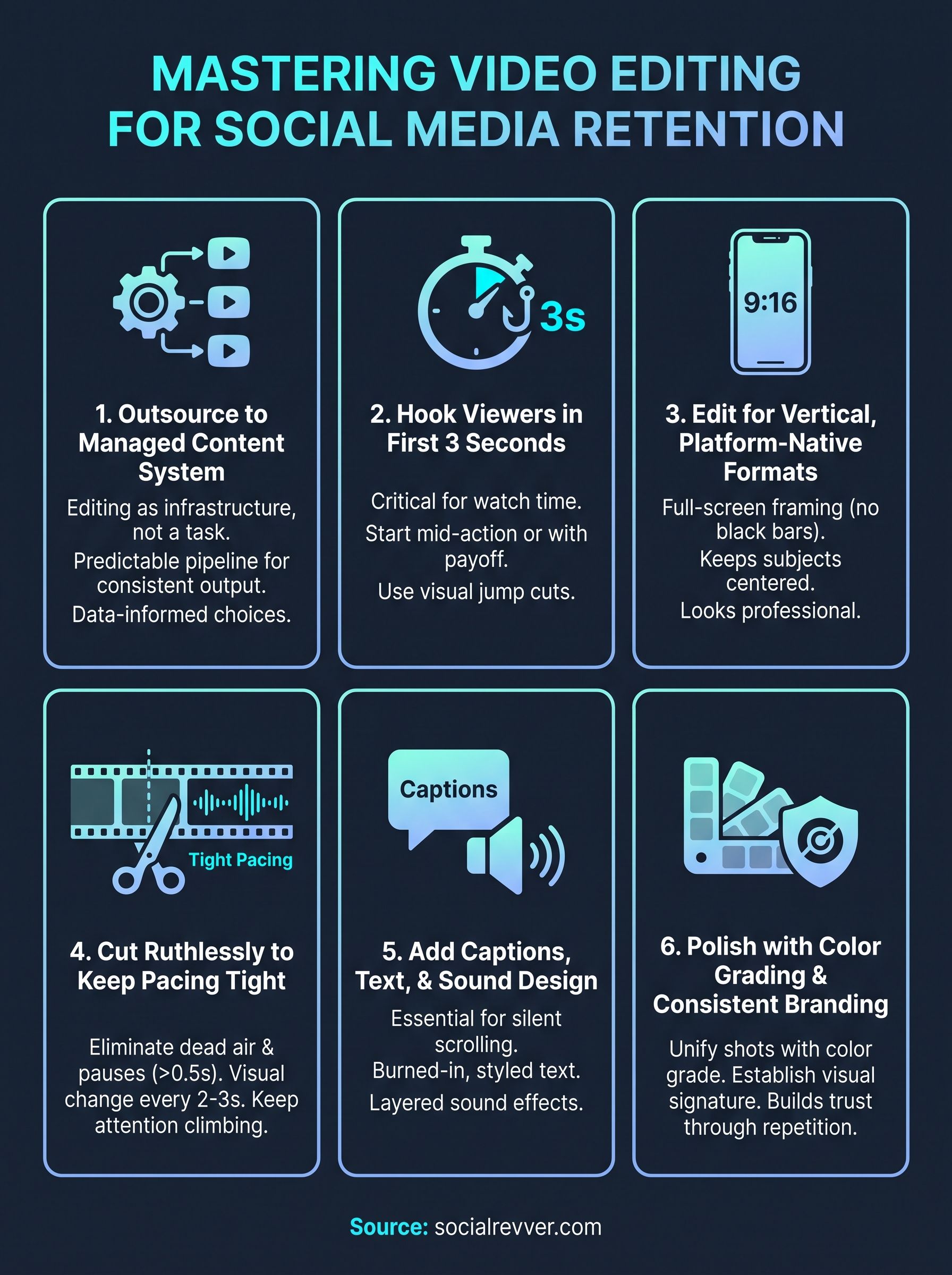
Six tactics, one goal: stop losing viewers to editing decisions you can actually control. Video editing for social media rewards specific choices, tight hooks, native vertical formats, ruthless pacing, captions built for silent scrolling, and a consistent visual signature that builds trust over time. None of this requires guesswork once you know the patterns that already work across hundreds of thousands of videos.
Apply them one at a time if you're editing solo, or hand the whole process to a system built to run it for you. Founders and brands scaling past DIY editing usually hit the same wall: good ideas, inconsistent execution. That's the exact gap a managed pipeline closes, turning editing video for social media from a weekly scramble into a predictable output you can build a brand on.
If you'd rather skip the trial and error, apply to get your free 40+ slide social media strategy and see what a real content system looks like.