
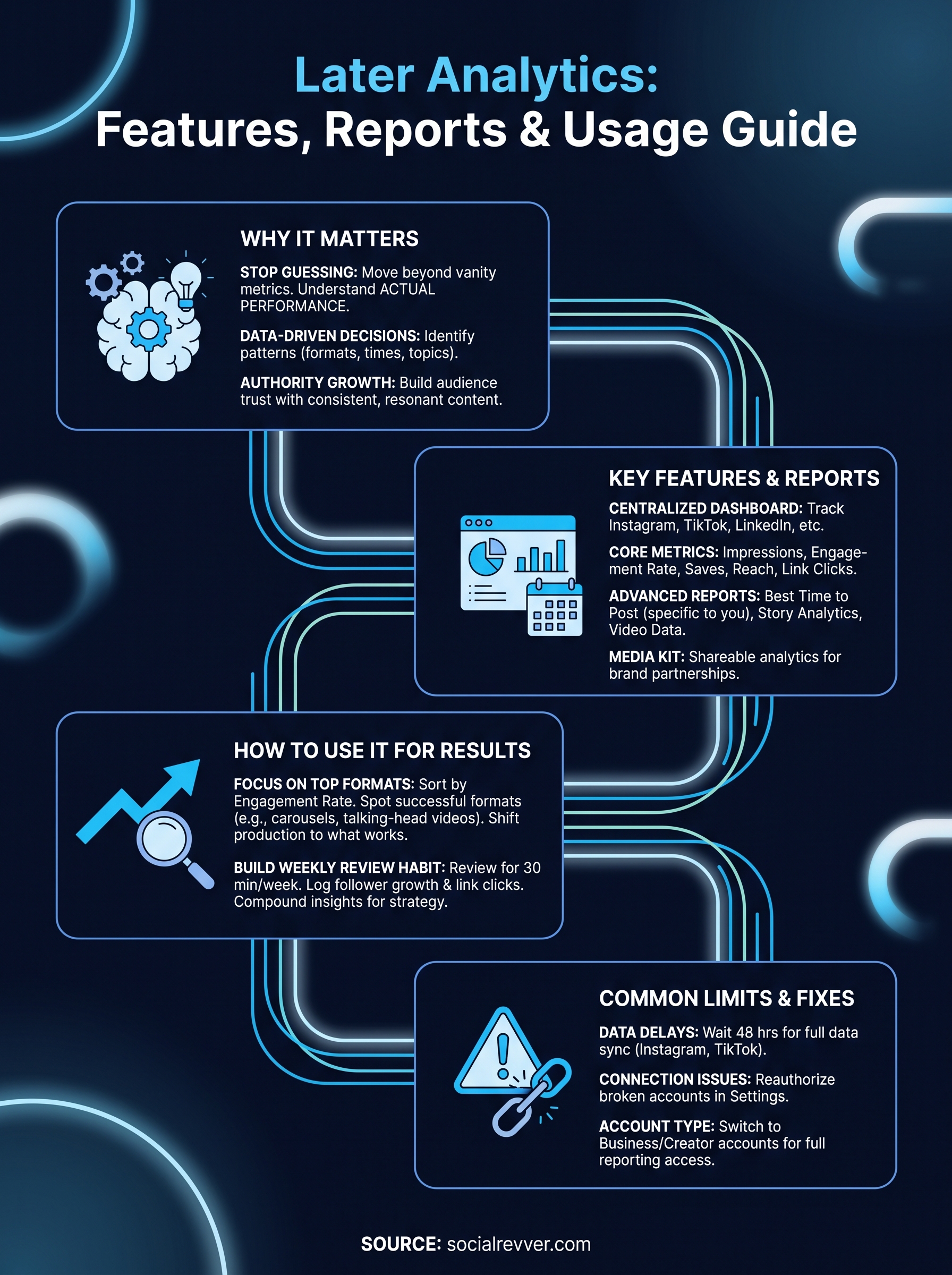
Later analytics gives you a centralized dashboard to track how your content performs across Instagram, TikTok, LinkedIn, and other platforms. It pulls together metrics like engagement rate, follower growth, and best posting times so you can stop guessing and start making decisions based on actual performance data. For anyone serious about organic growth, that visibility matters.
At SocialRevver, we build content systems that treat social media as an engineering problem, not a creative gamble. Tools like Later's analytics module are part of the broader ecosystem we evaluate when designing data-driven strategies for founders, creators, and business owners. Understanding what these platforms measure, and where they fall short, helps you decide what belongs in your stack and what gaps still need filling.
This article breaks down Later's analytics features, the reports available on each plan, and how to actually use the data to improve your content performance.
Why Later analytics matters
Most social media strategies fail not because the content is bad, but because creators and business owners have no clear picture of what is actually working. Posting volume increases while results stay flat, and without data, you cannot tell whether the problem is timing, format, hook quality, or audience mismatch. Later analytics addresses this directly by giving you a structured view of performance across your active channels.
Turning raw numbers into decisions
Raw follower counts and likes tell you almost nothing on their own. Engagement rate and reach per post reveal whether your content is connecting with the right people or just collecting impressions that go nowhere. When you track these metrics consistently, patterns emerge: certain formats outperform others, specific posting windows drive more saves, and particular topics pull higher watch-through rates on short-form video.
The posts that feel unconventional often outperform safe content because they trigger a genuine reaction, and you only discover that through consistent tracking.
These patterns are not obvious when you review performance manually or rely on gut feel. Structured reporting turns scattered data points into a clear picture of what your audience actually responds to, which makes your next content decision faster and more accurate.
Why this matters for authority-focused growth
Founders and business owners who use social media to build credibility need more than vanity metrics. Inbound leads and audience trust grow when you publish content that resonates consistently, not when you post frequently without a feedback loop. Later's reporting surfaces which content drives profile visits, link clicks, and follower growth, so you can double down on what builds authority instead of repeating what gets ignored.
Your growth strategy has to be built on evidence. Without a reliable analytics layer, you are running the same experiment repeatedly with no way to read the results.
What Later analytics includes
Later analytics organizes your performance data into several distinct reporting areas. The core dashboard covers engagement metrics, follower growth, and reach across Instagram, TikTok, LinkedIn, Facebook, Pinterest, and X. Depending on your plan, you get access to deeper reports, including profile-level analytics, post-level breakdowns, and audience demographic data.
Key metrics and reports
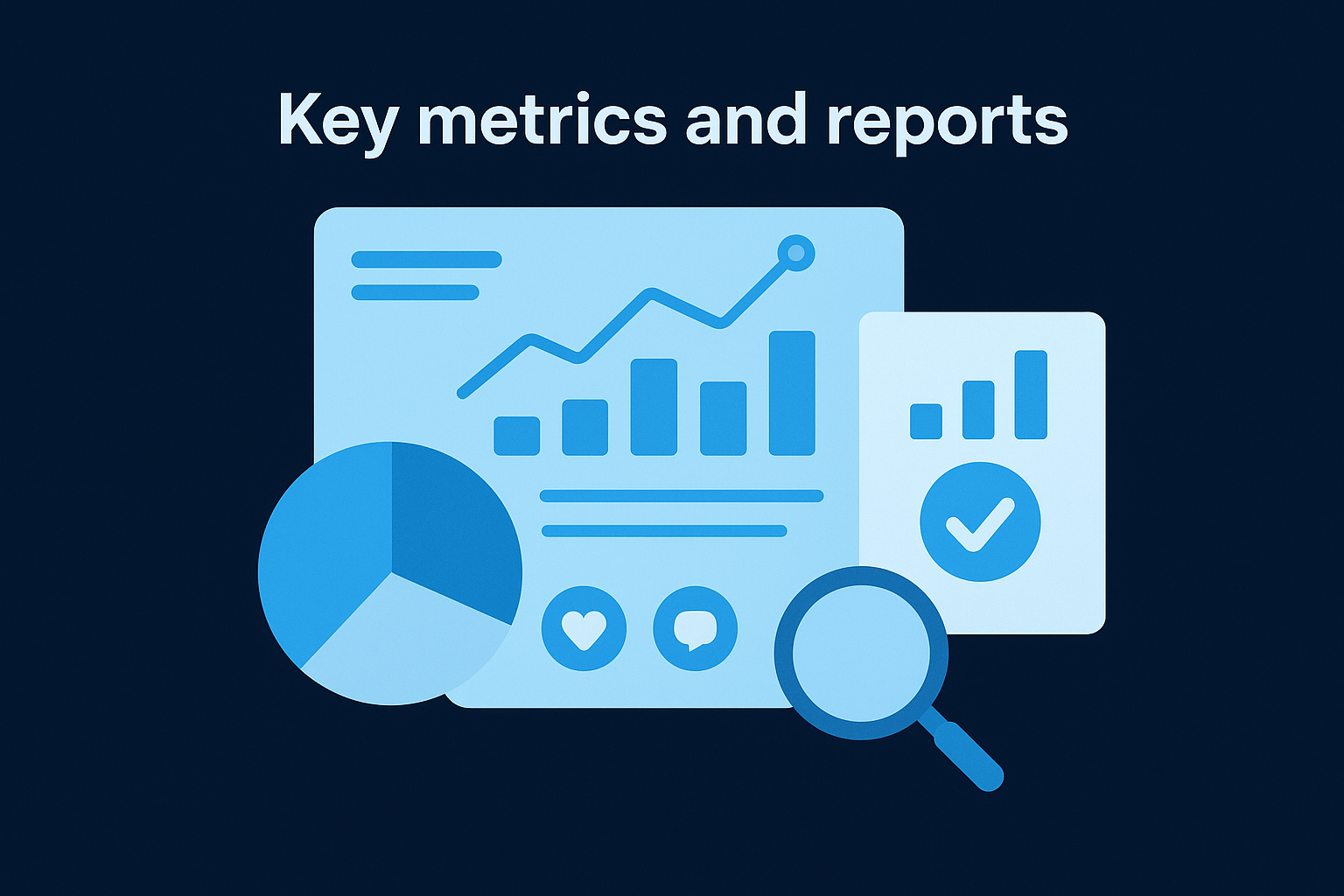
Each connected profile surfaces a set of standard metrics: impressions, engagement rate, saves, reach, and link clicks. On higher-tier plans, you also unlock best time to post recommendations, which Later calculates based on your specific account's historical performance rather than generic industry benchmarks. Story analytics and video performance data are also available for Instagram, giving you a more complete picture of how each content format lands with your audience.
The best time to post feature is particularly useful because it is built on your own data, not averages pulled from accounts that may share nothing in common with yours.
Later also provides a media kit feature for creators, which aggregates your analytics into a shareable format for brand partnerships. This ties performance data directly to business outcomes rather than leaving it as a standalone reporting exercise.
How to set up Later analytics
Getting started with later analytics takes only a few minutes if your social accounts are already connected to Later. The setup process lives inside your Later dashboard under the Analytics tab, where you can toggle between your connected profiles and select the date range you want to review.
Connecting your profiles
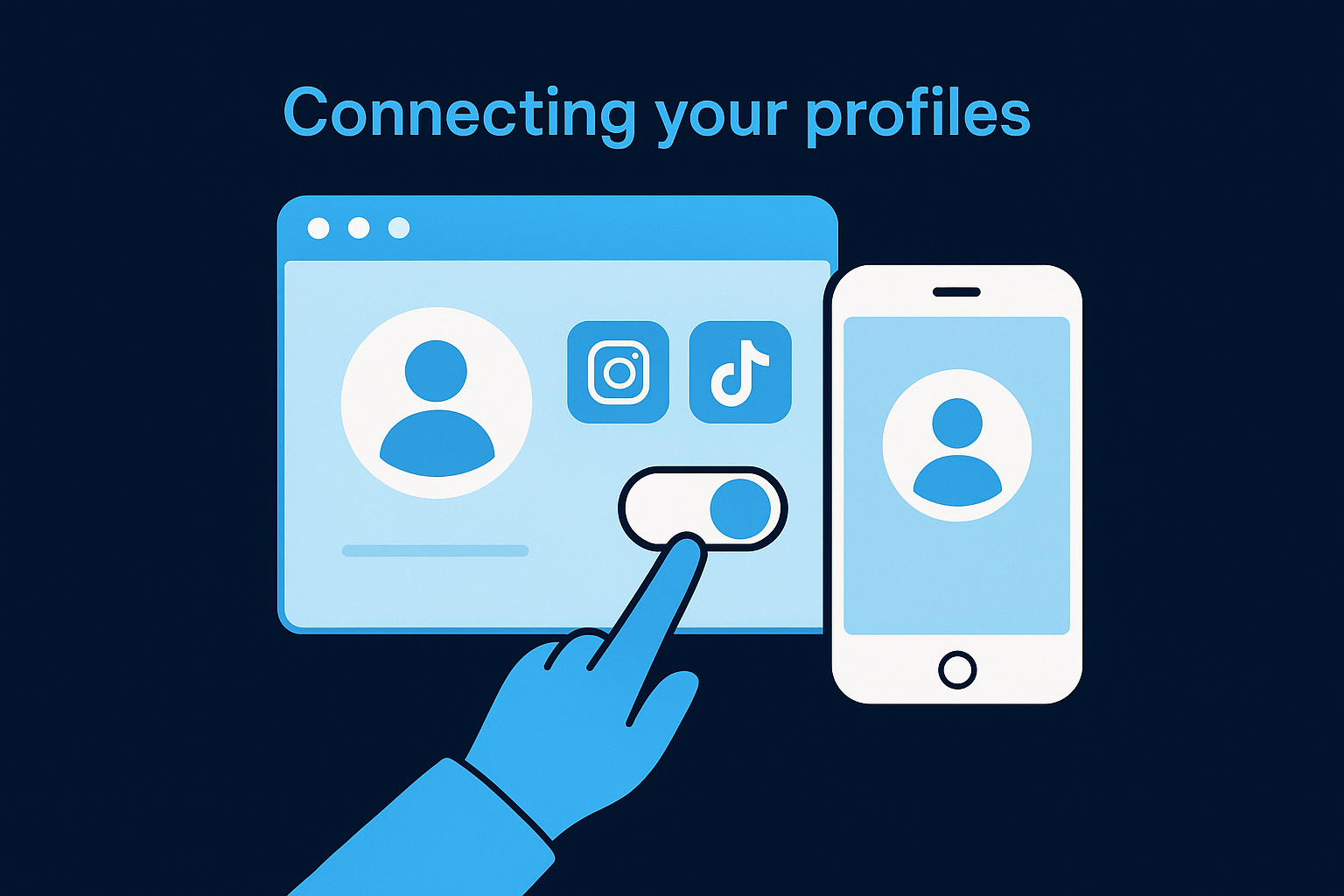
You need to connect each social platform before any data populates. Navigate to Settings, then Social Profiles, and authorize the accounts you want to track. Later requires a business or creator account on platforms like Instagram and TikTok to access the full analytics suite. Personal accounts do not unlock the same reporting depth, so switching your account type before connecting is worth doing first.
Make sure your Instagram account is linked to a Facebook Page, because Later pulls certain metrics through that connected relationship.
Choosing your plan level
Your plan tier determines which reports you can access. The Starter plan covers basic post metrics, while Growth and Advanced plans unlock audience demographics, best time to post data, and historical comparisons. Review which metrics matter most to your strategy before committing to a tier, since upgrading is straightforward but starting with the right access level saves time from the beginning.
How to use Later analytics to improve results
Having access to data only helps if you act on it regularly. Later analytics gives you a clear view of what is performing, but the real value comes from using that data to adjust your content calendar, format choices, and posting schedule on a consistent basis.
Focus on your top-performing formats
Sort your posts by engagement rate rather than reach to identify which content formats your audience actually interacts with. Once you spot a pattern, such as carousels outperforming single images or talking-head videos driving more saves than text overlays, shift your production toward what is already working.
Doubling down on proven formats is faster than experimenting blindly with new ones.
Build a weekly review habit
Set aside 30 minutes each week to review your previous posts inside Later. Look at which content gained follower growth, drove link clicks, or pulled strong engagement relative to your account baseline. Log those findings and carry them directly into your next planning session so your decisions compound over time rather than resetting each week.
Consistency in reviewing your data is what separates accounts that grow predictably from those that spike and stall. Treat it like a standing meeting you plan around, and your content strategy will improve every single week.
Common limits and troubleshooting
Later analytics works well within its design, but you will hit friction points that affect the reliability of your data if you are not aware of the platform's built-in constraints. Knowing where these limits exist helps you avoid misreading your numbers or blaming strategy when the issue is actually a data access problem.
Data gaps and delayed reporting
Later pulls data from each platform's API, which means reporting depends on how quickly those platforms share information. Instagram and TikTok can delay metric updates by 24 to 48 hours, so very recent posts may show incomplete engagement figures until the data fully syncs.
Always wait at least 48 hours before drawing conclusions from a post's performance numbers.
Account connection issues
If your analytics dashboard shows missing data or stops populating, the most common cause is a broken account connection. This often happens after a password change or a platform permission update. Fix it by navigating to Settings, then Social Profiles, and reconnecting the affected account.
Personal accounts on Instagram and TikTok block access to deeper reporting regardless of your Later plan. Switching to a business or creator account on those platforms resolves the majority of analytics access errors you are likely to encounter.
Next steps
Later analytics gives you the data infrastructure to stop operating on assumptions and start building a content strategy around what your specific audience actually responds to. Connect your profiles, pick the right plan tier, and commit to a weekly review so your decisions compound instead of resetting every month. The platform's reporting is straightforward, and the limits are manageable once you know where they are.
That said, analytics tools only show you what happened. Turning those insights into a predictable growth system requires the right scripting, production, and distribution process working together. If you are a founder or business owner who wants to convert organic content into consistent inbound leads without rebuilding your workflow from scratch, that is exactly what we build at SocialRevver. Apply to work with our team and get a free 40-slide social media strategy built around your specific goals and audience.