Your expertise means nothing if nobody knows about it. That's the uncomfortable truth behind why so many talented founders, creators, and business owners get outpaced by competitors with half the skill but twice the visibility. The right personal branding tools can close that gap, but only if you pick ones that actually move the needle on authority and inbound opportunities, not just vanity metrics.
The problem is that most professionals cobble together a random mix of apps, post when they feel like it, and wonder why growth stays flat. Building a brand that attracts clients, investors, and top talent requires a system, one where strategy, content production, and distribution work together. That's exactly the kind of engineered approach we build at SocialRevver, where our managed content system turns organic social presence into a predictable revenue channel for founders and business owners.
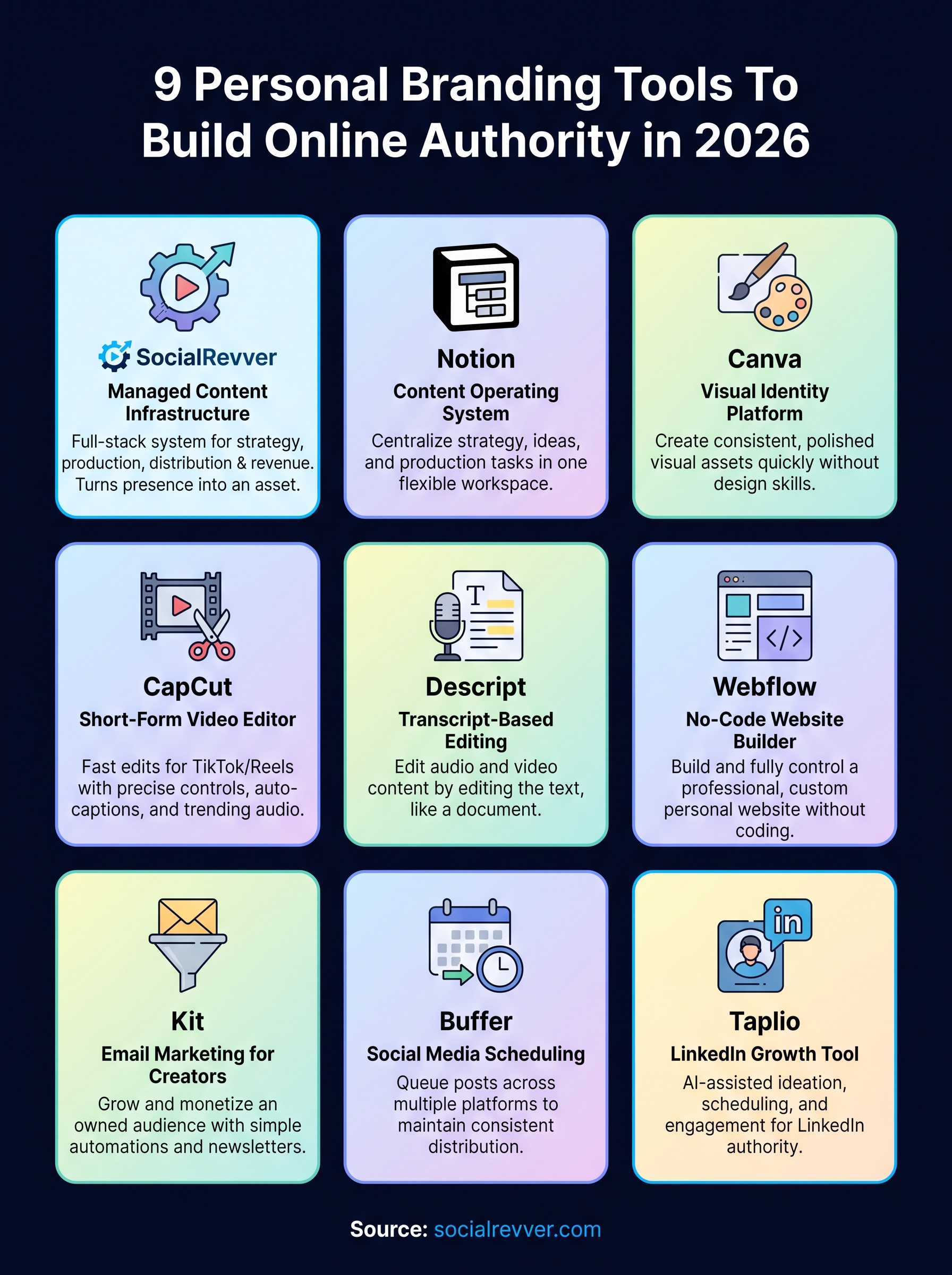
This article breaks down nine tools across design, content, analytics, and distribution that are worth your time and budget in 2026. Some handle a single job well. Others, including our own platform, cover multiple layers of the stack. We'll be straightforward about what each tool does and where it fits so you can build a setup that actually compounds your authority over time.
1. SocialRevver
SocialRevver is a managed content infrastructure service built for founders, business owners, and creators who want to convert their social media presence into a revenue-generating asset. Rather than handing you another app to manage, it operates as a full-stack system that handles strategy, scripting, production, and distribution on your behalf. You stay focused on running your business while SocialRevver runs your content engine.
Use it to turn short-form content into authority
Short-form video is currently the highest-leverage format for building authority fast. SocialRevver's Attention Engine pulls from a database of over 750,000 analyzed videos to identify which psychological hooks, pacing structures, and content formats actually drive conversions in your specific niche. You're not guessing what will work. Data-backed patterns determine every creative decision before a single frame gets recorded.
When you treat short-form content as an engineering problem instead of a creative one, results become far more predictable.
Choose it when you want a managed, hands-off system
Most personal branding tools hand you the wheel. SocialRevver takes the wheel entirely. The service is built for professionals who recognize that consistent, high-quality content output is non-negotiable for authority building, but who cannot afford to spend hours per week on production. If your time is worth protecting, a done-for-you production system removes the bottleneck without sacrificing quality or brand consistency.
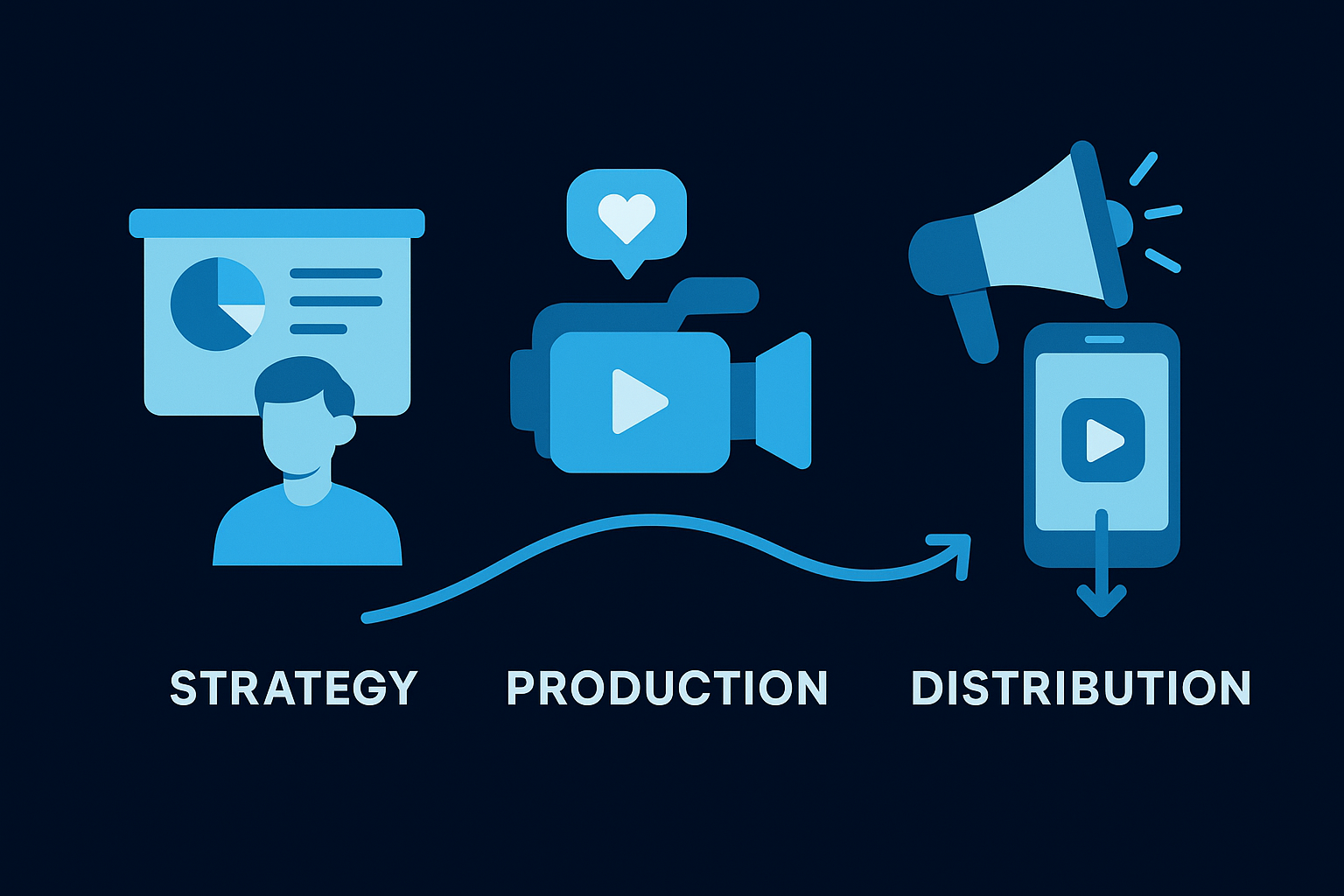
Build your workflow around strategy, production, and distribution
The SocialRevver four-step growth architecture covers the full content lifecycle. It starts with strategy intelligence that maps your niche, audience psychology, and competitive positioning. From there, a proprietary scripting engine writes conversion-focused scripts in your voice. An AI-supported editing pipeline handles cut optimization, captions, motion pacing, sound design, and branded visuals. Distribution follows a data-driven posting schedule based on real-time behavioral trend analysis, and every layer feeds back into the next so performance compounds over time.
Understand SocialRevver pricing and engagement model
Pricing reflects a managed service model rather than a self-serve software subscription, which means costs scale with the scope of work involved. You engage directly with the team to define a content program based on your platform focus, output volume, and growth objectives. This model suits professionals who view content as a business investment rather than a monthly line-item. If you want a fully automated funnel that turns views into qualified inbound leads, visit socialrevver.com to learn about current engagement options.
2. Notion
Notion is a flexible workspace tool that lets you build a custom content operating system from scratch. For anyone managing a personal brand, it solves one of the most persistent problems: keeping strategy, content ideas, and production tasks in one place rather than scattered across notes apps, spreadsheets, and email threads.
Use it to run your content operating system
Notion works as the connective tissue between your ideas and your published output. You can build a content database that logs every idea, draft, published post, and performance note in a single workspace. This gives you a full picture of your brand-building activity and eliminates the gap between "I had an idea" and "I actually posted it."
- Track content ideas with status tags
- Log published posts alongside performance notes
- Store brand voice guidelines and reference copy
Choose it when consistency breaks down without structure
Most people don't fail at personal branding because they lack ideas. They fail because there's no system to catch those ideas and push them forward. If you find yourself missing posting windows or losing half-formed concepts in a notes app, a structured Notion workspace solves that problem at the root.
Consistency is a systems problem, not a motivation problem.
Set up a simple calendar, pipeline, and asset library
Start with three linked databases: a content calendar for scheduling, a pipeline board with stages like Idea, Drafting, Ready, and Published, and an asset library for brand copy and visual references. Connecting these three views inside one workspace builds a functional content hub in under an hour.
Understand Notion pricing
Notion offers a free plan that covers most solo users comfortably. The Plus plan runs $10 per month per member and adds unlimited blocks for guests, version history, and synced databases, making it one of the most cost-effective personal branding tools in this stack.
3. Canva
Canva is a browser-based design platform that lets you build visual assets for your personal brand without touching professional design software. For founders and creators who need a consistent, polished look across social media, pitch decks, and website graphics, it removes the production barrier that slows most people down.
Use it to create a consistent visual identity fast
Your visual identity is the first signal of credibility people receive before they read a single word you write. Canva lets you lock in your brand colors, fonts, and logo across every template so your content looks intentional and professional from day one. The drag-and-drop interface means you can produce ready-to-publish graphics in minutes rather than hours.
Choose it when you need speed without a designer
Hiring a designer for every piece of branded content is expensive and slow. Canva solves that by giving you a library of professionally designed templates across every format, from LinkedIn carousels to YouTube thumbnails. If you want personal branding tools that let you move fast without sacrificing visual quality, Canva fits that gap directly.
Speed without consistency kills brand recognition, and Canva makes it easy to have both.
Set up brand kits, templates, and repeatable assets
Start by creating a Brand Kit inside Canva that stores your colors, fonts, and logos in one place. Build master templates for your most-used formats, then duplicate and edit rather than starting from scratch each time. This repeatable system cuts production time significantly and keeps your visual output consistent across every platform.
Understand Canva pricing
Canva offers a free plan that covers most basic needs. Canva Pro runs $15 per month and unlocks Brand Kits, background removal, premium templates, and the full asset library, making it a strong investment for anyone serious about brand consistency.
4. CapCut
CapCut is a free mobile and desktop video editing app built specifically for short-form content formats like TikTok, Instagram Reels, and YouTube Shorts. It gives you a fast, capable editing environment that doesn't require any prior video production knowledge, making it one of the most accessible personal branding tools for founders who want to publish video content without a steep learning curve.
Use it to edit short-form videos that hold attention
Short-form video lives or dies on pacing. CapCut gives you precise cut controls, auto-captions, and trending audio syncing in one place, so you can build videos that match the rhythm audiences expect on high-attention platforms. The built-in template library also lets you reverse-engineer formats that already perform well in your niche.
The fastest way to improve your short-form content is to study what holds attention and then build a repeatable editing process around it.
Choose it when you want fast edits for TikTok and Reels
If your primary publishing channels are TikTok or Instagram Reels, CapCut is purpose-built for that workflow. The app exports directly in the correct aspect ratios and resolutions for each platform, which removes unnecessary steps between your raw footage and your final published post.
Set up a repeatable edit stack for your style
Build a saved collection of your preferred transitions, caption styles, and color filters inside CapCut so every video you produce carries consistent visual cues. Consistency at the edit level reinforces brand recognition across every piece of content you publish.
Understand CapCut pricing
CapCut is free to use on both mobile and desktop. A Pro subscription unlocks additional templates, effects, and cloud storage at around $7.99 per month, though the free tier covers most editing needs for individual creators.
5. Descript
Descript is a podcast and video editor that treats your recorded audio and video as editable text. Instead of scrubbing through a timeline, you edit the auto-generated transcript and the media follows. For anyone building a personal brand through talking-head videos or podcasts, this approach cuts production time significantly without requiring any technical editing background.
Use it to edit talking-head content like text
Descript converts your spoken words into a searchable transcript the moment you upload a file. You highlight and delete text, and the corresponding audio or video disappears automatically. This means a 20-minute raw recording becomes a polished clip without any timeline-scrubbing or frame-by-frame editing.
Choose it when you publish podcasts and video clips
If your personal brand runs on long-form audio or video content that you repurpose into shorter clips, Descript solves multiple problems inside one workflow. You can edit the full episode, extract highlight clips, and add captions without switching between three separate tools.
Turning one long-form recording into multiple short clips is one of the most efficient content moves a founder can make.
Set up transcription, filler-word removal, and captions
Start by enabling automatic filler-word removal to strip out every "um" and false start from your recordings in a single click. Then export clips with burned-in captions formatted for social media. Both steps run automatically, shrinking your post-production time from hours to minutes.
Understand Descript pricing
Descript offers a free plan that includes up to one hour of transcription per month. Paid plans start at $24 per month and unlock unlimited transcription, AI tools, and multi-track editing, which makes it a capable addition to any personal branding tools stack built around video and audio content.
6. Webflow
Webflow is a no-code website builder that gives you full design control over your personal site without requiring developer skills. For founders and creators who need a professional web presence that accurately reflects their authority level, it sits well above template-based platforms in both flexibility and visual output quality.
Use it to publish a personal site you fully control
Your website is the one place where no algorithm controls your reach. Webflow lets you build and own that presence completely, from page structure to the interactions visitors experience. Unlike hosted blog platforms, Webflow gives you direct access to your site's code and hosting without locking you into rigid templates.
Owning your web presence means you control the first impression every future client, investor, or partner receives.
Choose it when your brand needs a premium web presence
Webflow suits you when the visual quality of your site needs to match the quality of your offer. If your competitors use basic themes and you want to signal a higher tier of professionalism, Webflow's design capabilities create an immediate separation.
It's one of the strongest personal branding tools for founders who need their site to convert visitors into direct conversations, not just generate pageviews.
Set up core pages, lead capture, and basic SEO
Build four core pages first:
- Homepage with a clear value statement
- About page with your credentials and story
- Services or work page with proof of results
- Contact page with a lead capture form
Webflow's built-in SEO controls let you set meta titles, descriptions, and clean URLs without any third-party plugins.
Understand Webflow pricing
Webflow's Basic plan starts at $14 per month, and the CMS plan runs $23 per month, which adds a content management system for blogs and dynamic pages. Both tiers give you complete hosting control with no platform lock-in.
7. Kit
Kit (formerly ConvertKit) is an email marketing platform built specifically for creators and independent professionals who want to grow and monetize an owned audience. Unlike social media followers, an email list belongs to you regardless of algorithm changes, platform policy updates, or shifting content trends, which makes it one of the more durable personal branding tools available.
Use it to build an email list you own
Social platforms can cut your reach overnight with a single algorithm update. Your email list cannot be taken from you by a policy change or a feed ranking shift. Kit gives you a clean, focused interface for growing and managing that list so you always hold a direct communication channel with the audience your content builds over time.
The most valuable asset your personal brand can own is an audience you can reach without asking an algorithm for permission.
Choose it when you want simple automations and newsletters
Kit suits you when you need email automations and broadcast newsletters without the complexity of enterprise marketing software. The platform is designed for individual creators, so the interface stays lean and the core features ship without the bloat you find in tools built for large marketing teams.
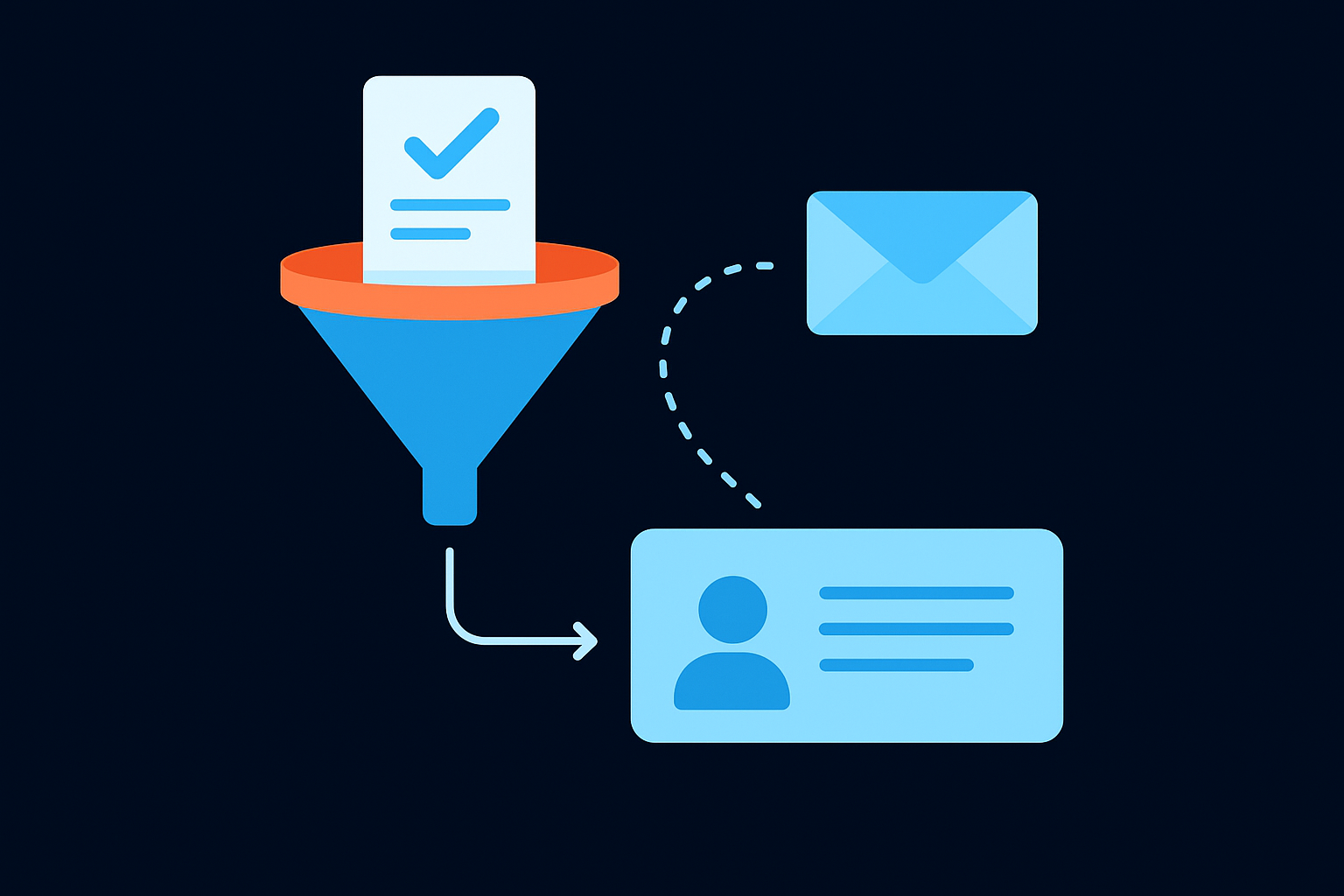
Set up a lead magnet funnel and welcome sequence
Start by connecting a lead magnet, whether that's a checklist, short guide, or free resource, to a Kit landing page. Then build a three to five email welcome sequence that introduces your brand, establishes your expertise, and moves new subscribers toward a direct conversation or offer.
Understand Kit pricing
Kit offers a free plan up to 10,000 subscribers. Paid plans start at $25 per month and unlock visual automations, paid newsletter features, and advanced audience segmentation tools.
8. Buffer
Buffer is a social media scheduling tool that keeps your posting calendar full without requiring you to be online at the exact right moment. For founders and creators managing multiple platforms, it removes the daily friction of manual publishing and turns consistent distribution into something that runs automatically in the background.
Use it to schedule posts and stay consistent
Buffer lets you queue up content across platforms like LinkedIn, Instagram, X, and TikTok well in advance, so your publishing schedule holds even when your day runs long. Consistency matters more than frequency on most platforms, and a pre-loaded queue is the simplest way to protect that consistency without adding daily tasks to your routine.
Showing up consistently in your audience's feed builds recognition over time far more reliably than occasional high-effort posts.
Choose it when you want lightweight planning and publishing
Buffer suits you when you want a focused, no-bloat scheduling tool without the complexity of an enterprise social media suite. Its interface is clean, setup takes minutes, and you can manage your entire posting calendar from a single dashboard without a steep learning curve.
Set up posting queues, repurposing, and approvals
Start by building a posting queue for each platform with your preferred time slots already locked in. Buffer fills those slots automatically as you add content. If you work with a collaborator or team member, the approval workflow lets you review posts before they publish, keeping your brand voice tight across every channel.
Understand Buffer pricing
Buffer offers a free plan covering up to three channels. Paid plans start at $6 per month per channel, which makes it one of the more affordable personal branding tools for scheduling and consistent distribution.
9. Taplio
Taplio is a LinkedIn-focused content tool that handles ideation, scheduling, and engagement in one place. For founders and professionals who treat LinkedIn as their primary authority channel, it removes the friction that typically interrupts a consistent posting routine.
Use it to grow a LinkedIn-centric personal brand
LinkedIn remains the highest-signal platform for B2B authority building, investor credibility, and inbound talent attraction. Taplio gives you an AI-assisted content workflow built specifically for that environment, from generating post ideas rooted in your niche to analyzing which formats earn the most reach and engagement from your specific audience.
LinkedIn rewards consistency and relevance far more than raw volume, and Taplio is built to help you deliver both.
Choose it when LinkedIn is your main authority channel
Among personal branding tools designed for LinkedIn, Taplio stands out because it integrates content creation, scheduling, and network engagement inside a single dashboard. You benefit most from it when LinkedIn drives your pipeline directly, whether that means attracting inbound clients, building a founder profile investors notice, or establishing category authority in your industry.
Set up ideation, scheduling, and engagement workflows
Start by connecting your LinkedIn account and feeding Taplio your niche, target audience, and content themes. Use the AI inspiration feed to generate post angles, then schedule your output across the week so your queue stays full. The engagement features let you track and respond to comments and connection activity without leaving the platform.
Understand Taplio pricing
Taplio starts at $49 per month with a trial period available. The pricing reflects a tool built for professionals who measure LinkedIn ROI in leads and authority, not just follower counts.
Where to start this week
Nine tools is a lot to process at once. The practical move is to pick one gap in your current setup and close it this week rather than overhauling everything at once. If you have no system for consistency, start with Notion. If your visuals look inconsistent, build a Canva Brand Kit today. If short-form video is your growth lever but production keeps stalling, that's where a managed system makes more sense than another self-serve app.
The personal branding tools in this list each solve a specific problem, but no combination of software replaces a deliberate content strategy behind your output. If you want a system that handles strategy, scripting, production, and distribution for you, apply to work with our team and get a free 40+ slide social media strategy built specifically for your brand.